If you have ever asked what app can families use to store and share photos, you probably wrote it at the end of a trip—four people, three days, and hundreds of pictures nobody has sorted yet. You want super easy, you want everyone included, and you do not want a computer science degree before breakfast.
You also do not need a pile of strong opinions from strangers on the internet. You need a simple checklist and one app habit your household can actually keep.
This guide stays brand-neutral on purpose—no laundry list of other companies—then shows where TimeFotos and TimeFotos Cloud fit if you want community-first sharing instead of another private silo nobody opens after June.
What “easy” really means for families
Easy upload from whatever phone you already carry.
One shared place where Grandma, the teenager, and the cousin who flew in can see the same trip without you re-sending zips every night.
Mixed phones still work—because real families are not all on the same sticker on the back.
A way to delete the junk without guilt: twenty near-duplicates of the same sunset do not need to live forever.
If an app cannot do those four things without a fight, it will not survive your next reunion either.
The trip-week habit that saves you from “we will sort it later”
“Later” is where photos go to become someone’s problem in three years.
Pick a boring anchor: after dinner on day two, or the last night before checkout. Everyone drops their favorites into one shared album (or one shared folder—whatever your app calls it). Not every burst—the ten frames that still make you smile.
If you are all in the same room, a quick pass-from-phone-to-phone session works too—any direct transfer your devices support beats texting full-resolution files until the group chat chokes.
The goal is not perfection. The goal is nobody goes home with memories only on one device that never gets opened again.
Free plans: what to watch for without naming names
Most “free forever” offers come with tradeoffs someone else already learned the hard way:
Storage caps that feel fine until the first long video weekend.
Compression that makes a beautiful print look soft later—fine for a quick preview, rough if you thought you were archiving originals.
Shared albums where other people’s uploads sometimes count against your quota—or do not, depending on how you save copies. Read the fine print once; sleep better for years.
Privacy that matches how public you want the trip to be—family-only should mean family-only, not “everyone who saw the link.”
None of that means paid is evil. It means know what you are trading before you standardize the whole extended family on one app.
Quality vs quantity (without judging anyone’s shutter finger)
Some people love a single decisive shot and a long dinner. Others sleep better knowing they caught every laugh line on the boat because someone could not be there next year. Both are human.
A practical middle path: capture freely on the trip, then curate once before anything becomes “the official archive.” Delete the duplicates where everyone’s eyes were closed. Keep the weird ones—those age the best.
What app can families use? What we built TimeFotos for
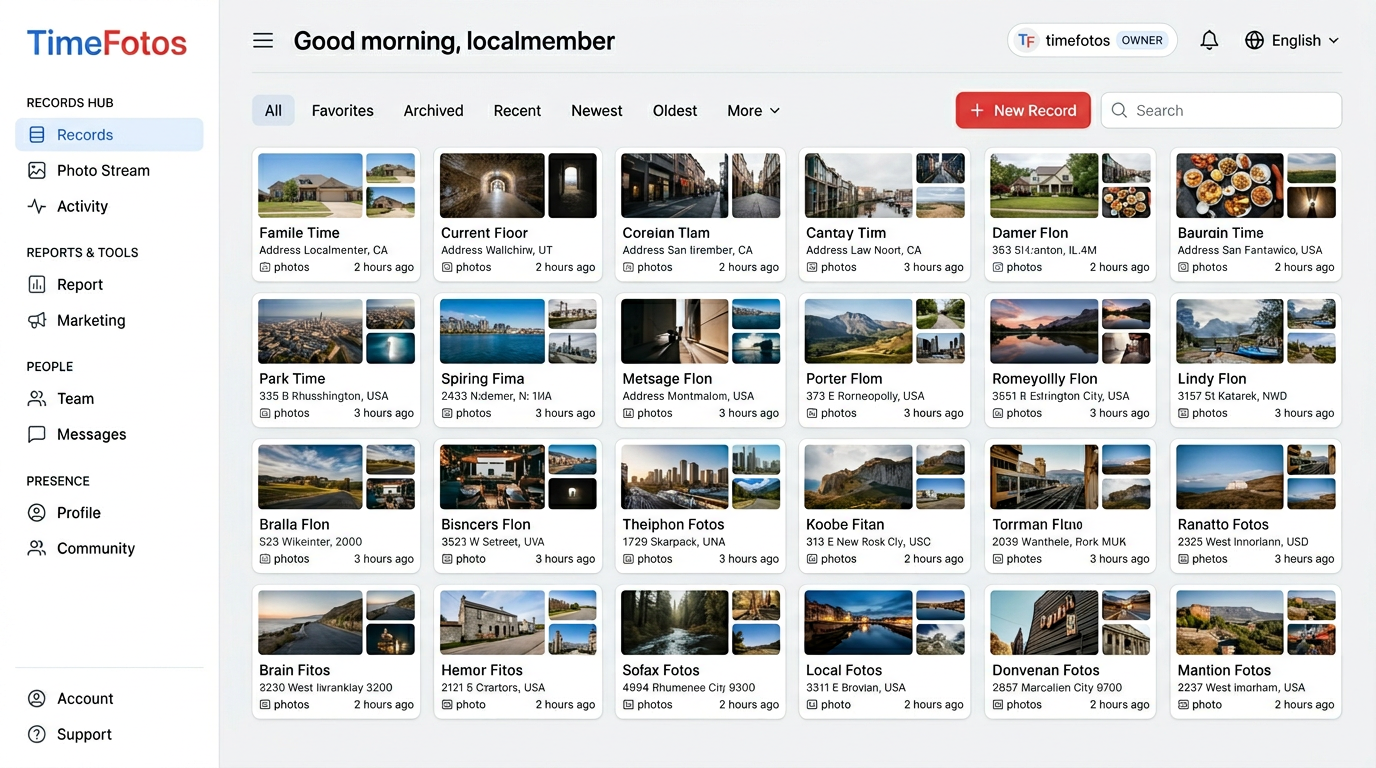
TimeFotos is not trying to be the whole internet’s photo vault. It is built for people who already share a place: a neighborhood, a team, a school group, a family that likes real-world context with photos—not just a endless grid of files.
You use it when you want photos tied to life: events, spots, records people actually check—not another forgotten album link in a text thread.
TimeFotos Cloud is the optional paid layer when you want more room to breathe: albums and labels that still make sense next summer, stamped captures when when and where matters, and simple sharing so you are not exporting your whole camera roll every time Auntie asks for “just the reunion set.”
If your question is literally what app can families use to store and share photos and you already live in a community on TimeFotos, Cloud is the upgrade path when free phone storage and good intentions stop being enough.
Peek at TimeFotos Cloud when you want the details.
A five-minute decision you can make tonight
Answer these on the back of a receipt:
Who needs access? Just your household, or the whole extended family?
Mixed devices? If yes, cross off anything that only works on one brand of phone.
Do you care about originals for printing? If yes, confirm the app keeps full quality for what you upload—or keep one “master” copy on a drive at home.
Who owns cleanup? Pick one person for ten minutes a night on the trip so it does not become a year-long project.
You will not pick a perfect system at 11 p.m. You will pick a good enough one that everyone will actually use—and that beats the perfect one nobody opens.