
Camera to cloud · field to living room
Camera to cloud.TimeFotos Cloud keeps every frame.
TimeFotos Cloud — camera to cloud from iPhone and Android into one documentation workspace: happenings, events, and jobs get time, GPS, weather, and place on the capture when the record matters. Organize on the web; share read-only links — one login everywhere.
No more reconstructing an event from five apps because nobody kept a single file.
No more sending screenshots nobody trusts ten minutes after the doors close.
No more handing over your whole camera roll because someone asked for two documentation shots.
Commercial inspection
9:00 AM · Floor 12
Birthday party
5:46 PM · Lakeside Hall
Freight delivery proof
3:40 PM · Dock 7
Insurance claim photos
9:25 AM · Claim #4421
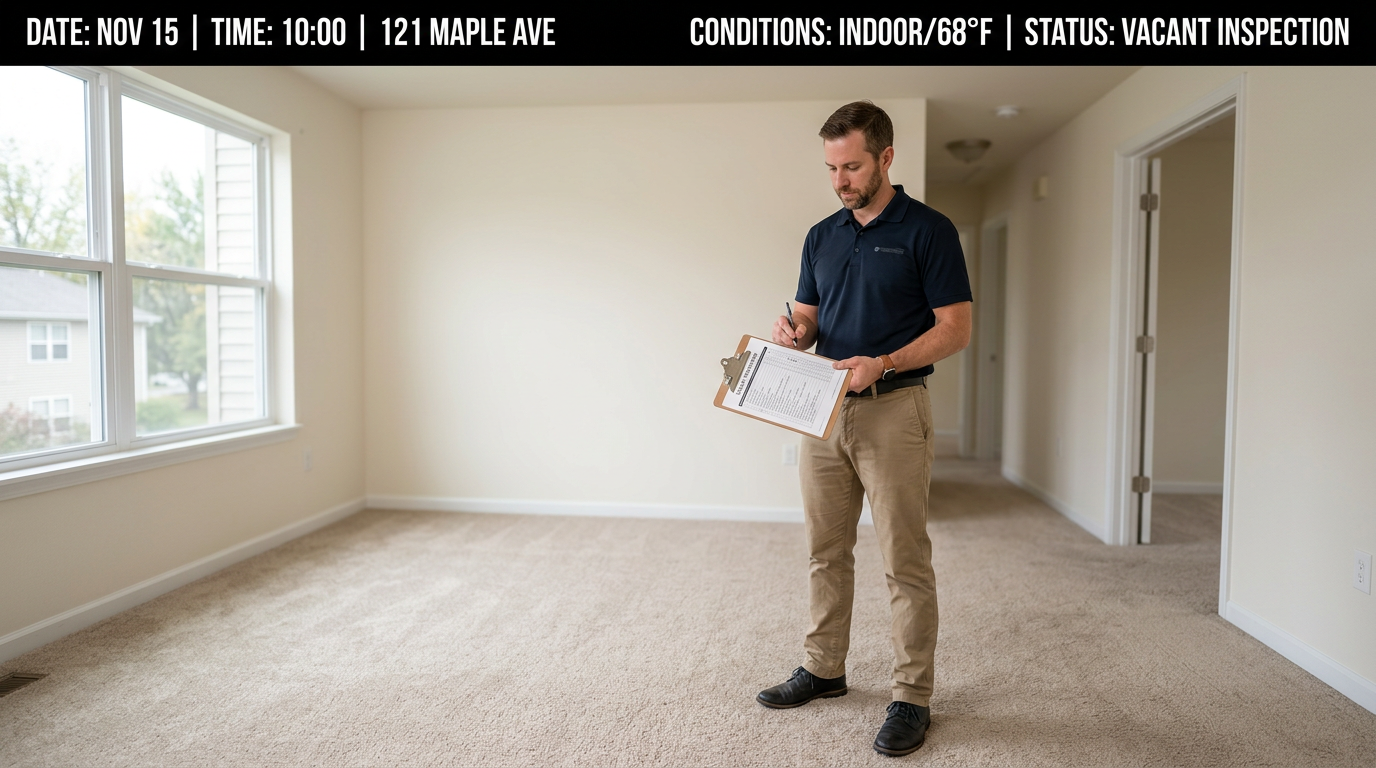
Move-out walkthrough
4:52 PM · Unit 14B
Whiteboard recap
2:10 PM · Sprint meeting
Car accident scene
7:14 PM · Oak & 5th
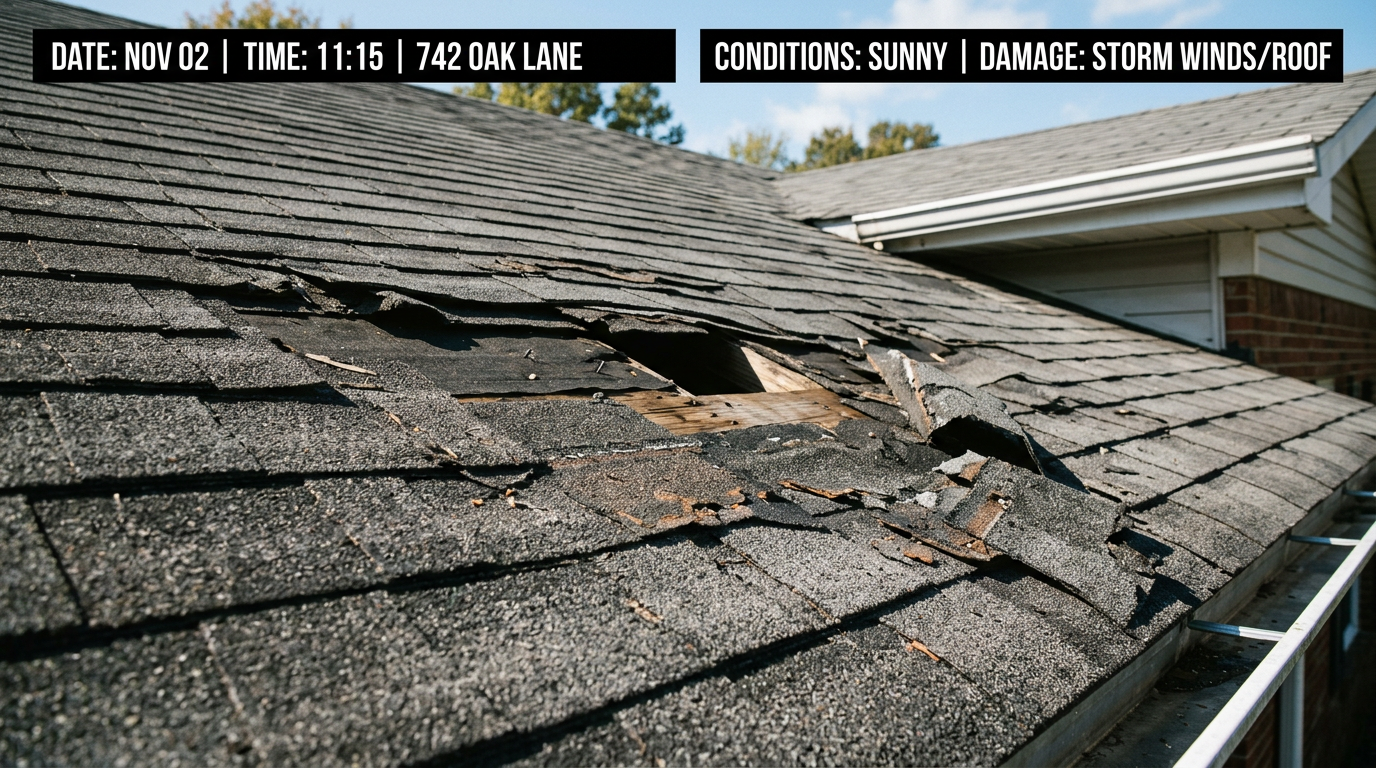
Storm damage
8:02 AM · Roof inspection
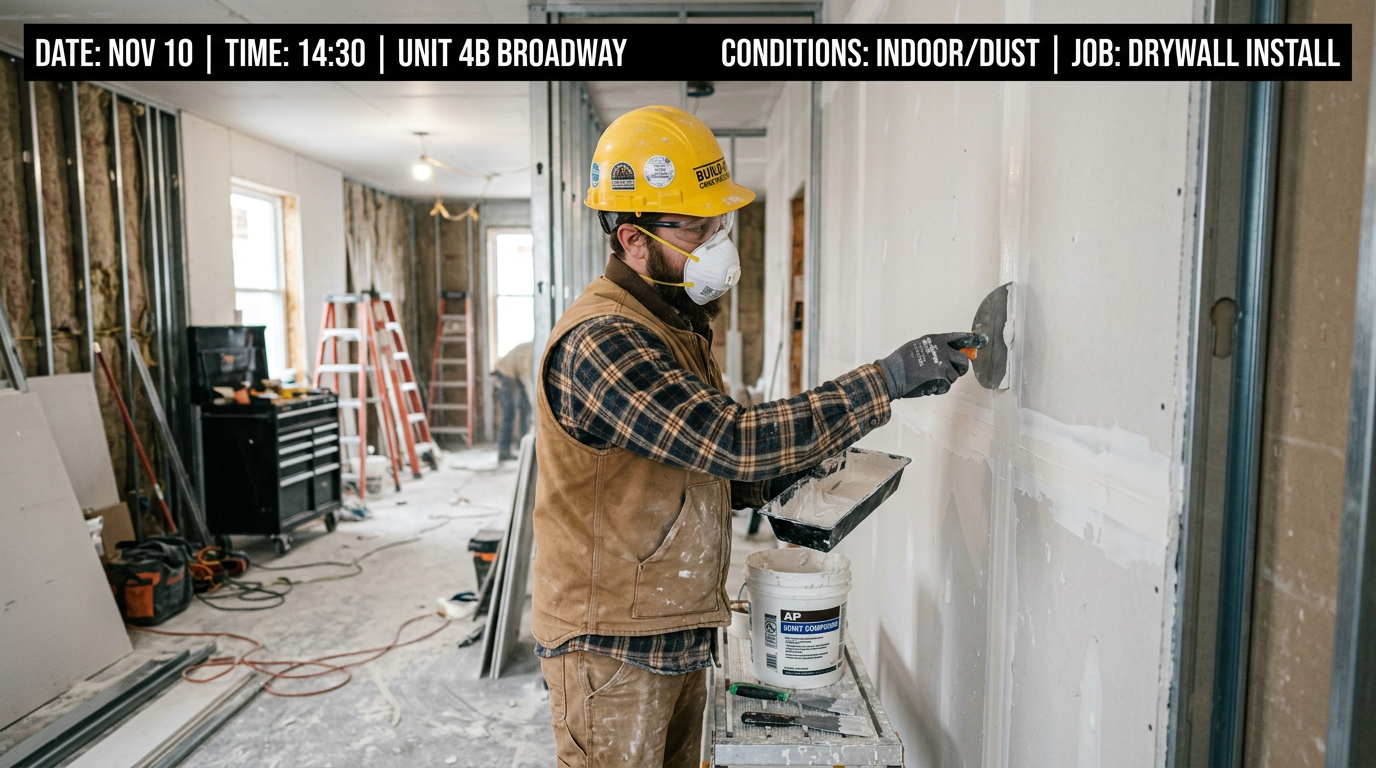
Construction progress
11:30 AM · Site B
Travel expense receipt
6:08 PM · Gate C3
Race-day operations log
6:00 AM · Start line
Commercial inspection
9:00 AM · Floor 12
Freight delivery proof
3:40 PM · Dock 7
Vehicle condition check
1:22 PM · Rental return
Legal site documentation
11:05 AM · Property line
First steps milestone
7:30 PM · Home
HVAC repair — before
8:45 AM · Unit 3
Trail condition report
6:55 AM · Cascade Loop
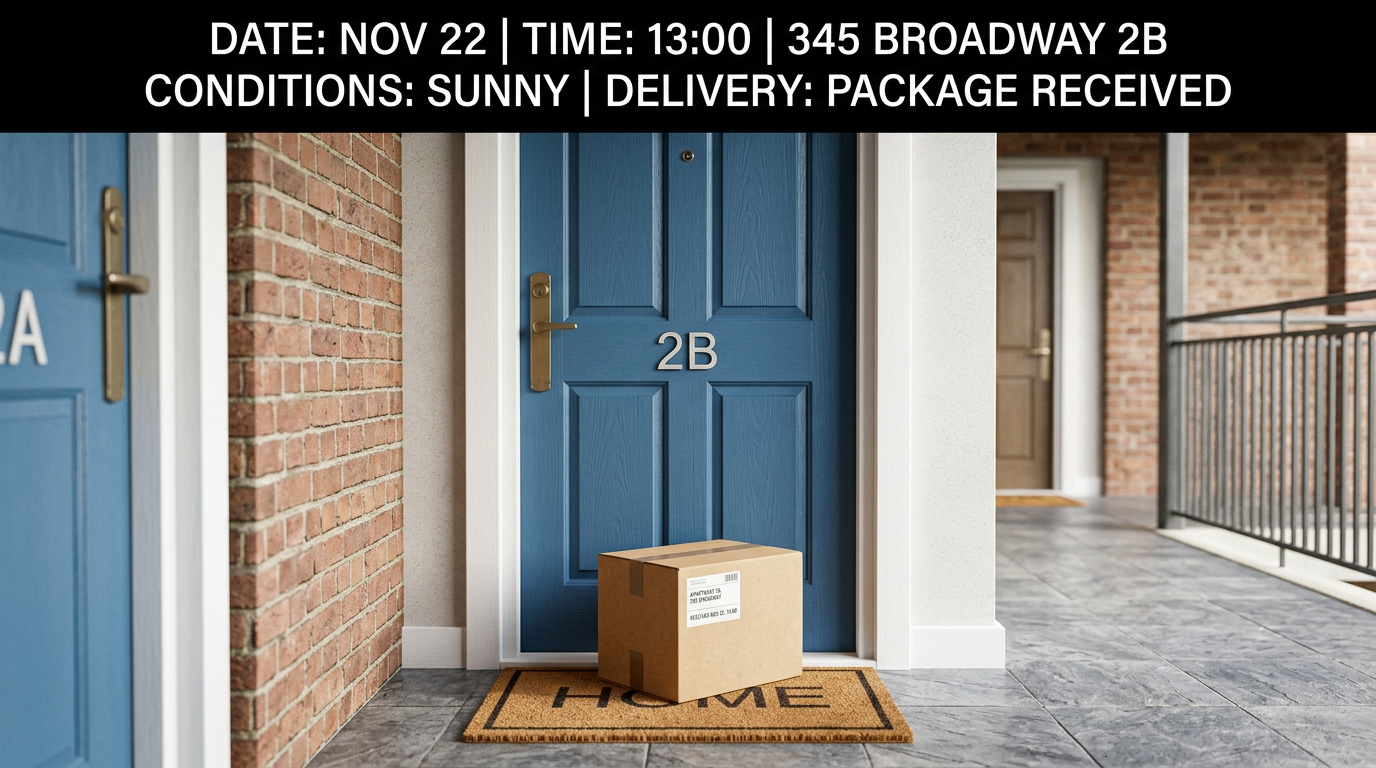
Parcel on arrival
2:18 PM · Front door
Wound healing log
Day 4 · Follow-up
Bike accident evidence
5:01 PM · Greenway
Volunteer event record
9:30 AM · Community Park
Sporting event capture
3:15 PM · Field 2
Site compliance photos
7:50 AM · Zone B
Parade route documentation
11:00 AM · Downtown loop
Ceremony rehearsal record
4:00 PM · Chapel steps
Commercial inspection
9:00 AM · Floor 12
Birthday party
5:46 PM · Lakeside Hall
Freight delivery proof
3:40 PM · Dock 7
Insurance claim photos
9:25 AM · Claim #4421
Move-out walkthrough
4:52 PM · Unit 14B
Whiteboard recap
2:10 PM · Sprint meeting
Car accident scene
7:14 PM · Oak & 5th
Storm damage
8:02 AM · Roof inspection
Construction progress
11:30 AM · Site B
Travel expense receipt
6:08 PM · Gate C3
Race-day operations log
6:00 AM · Start line
Commercial inspection
9:00 AM · Floor 12
Freight delivery proof
3:40 PM · Dock 7
Vehicle condition check
1:22 PM · Rental return
Legal site documentation
11:05 AM · Property line
First steps milestone
7:30 PM · Home
HVAC repair — before
8:45 AM · Unit 3
Trail condition report
6:55 AM · Cascade Loop
Parcel on arrival
2:18 PM · Front door
Wound healing log
Day 4 · Follow-up
Bike accident evidence
5:01 PM · Greenway
Volunteer event record
9:30 AM · Community Park
Sporting event capture
3:15 PM · Field 2
Site compliance photos
7:50 AM · Zone B
Parade route documentation
11:00 AM · Downtown loop
Ceremony rehearsal record
4:00 PM · Chapel steps
Upgrade on Plans · under a minute
Camera to cloud
Document what happened — at work, at home, on the street. One camera-to-cloud workspace from phone to browser.
Happenings and events generate a mess of photos, texts, and attachments. TimeFotos Cloud is built for recordkeeping: captures upload from the field, land next to PDFs and notes, and stay searchable by the name you gave the day — whether you are closing a job file or archiving a family milestone. Lose a device? Sign in elsewhere; the documentation did not leave with the phone.
- Camera to cloud: each shot uploads into the same album as the happening — time, GPS, weather, and place on the frame when the record has to hold up.
- Treat an event or job like a file: run-of-show PDFs, permits, waivers, and receipts sit beside the photos that document the day.
- Keep decisions and notes next to the visuals — staff, volunteers, or clients see one timeline, not a dozen threads.
- Share a read-only documentation link in the browser — viewers get the chapter you chose, nothing else.
One login — iOS, Android & web
From first shutter to final packet
Recordkeeping for what actually happened — on the job and at the party.
Four beats, one loop: document the happening in real time with camera to cloud, organize the official file on the web, keep decisions next to the visuals, then ship read-only documentation links — your archive stays yours.
Capture
Document the happening as it unfolds — camera to cloud from the field or the venue with time, GPS, weather, and place on the frame when the record has to stand up later.
Organize
Build the official file: PDFs, tags, and labels sit next to the shots — search by event, property, or season instead of hunting filenames.
Collaborate
Staff, volunteers, clients, or family stay in the thread attached to the same documentation set — not a chat that already scrolled past.
Share
Ship read-only links for the exact chapter they need — browser, no install. Your archive stays yours; they get the certified view.
Built for real days
You are not buying a feature list — you are buying a defensible file when it counts
End-to-end documentation: camera to cloud from mobile with context on the frame; PDFs, markup, and notes on the same album; finish the packet in the browser; send read-only links when sponsors, adjusters, or family need the official view. Inspection, festival Saturday, first birthday, or Tuesday council meeting — stop rebuilding the story across five silos.
One workspace. Zero scavenger hunts.
Camera roll, email, downloads, that drive you forgot — stop paying interest on chaos. TimeFotos Cloud is camera-to-cloud recordkeeping: photos, PDFs, markup, and labels in one place tied to the happening or site. You search once.
Send the documentation link. Keep control.
Read-only links mean sponsors, adjusters, or relatives see the certified slice in a browser — not your passcode, not your whole library. They get the event file you chose.
Name the happening once. Find it under pressure.
Labels turn a calendar of jobs and celebrations into documentation you can filter when the doors open — not twenty minutes of panicked swiping.
Life & happenings
Personal recordkeeping for the days you will want to replay
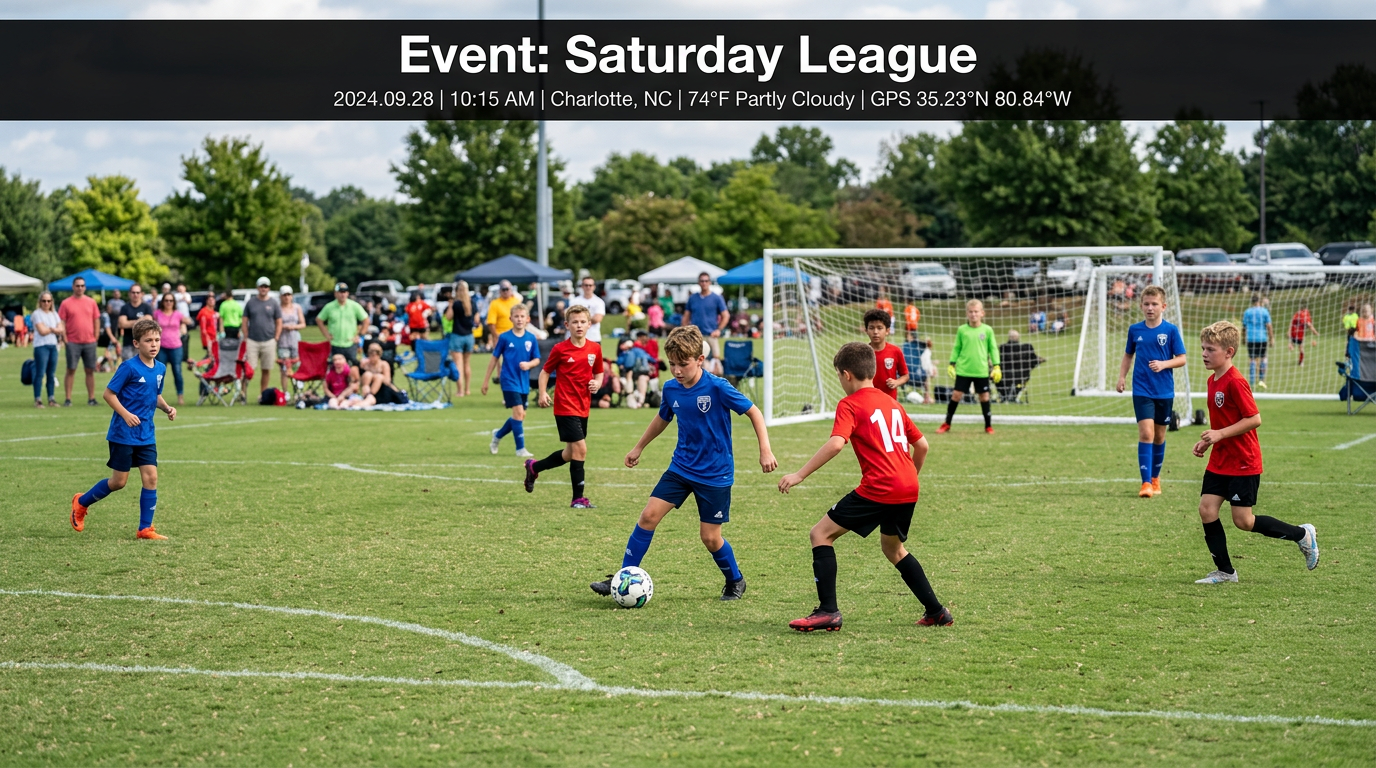
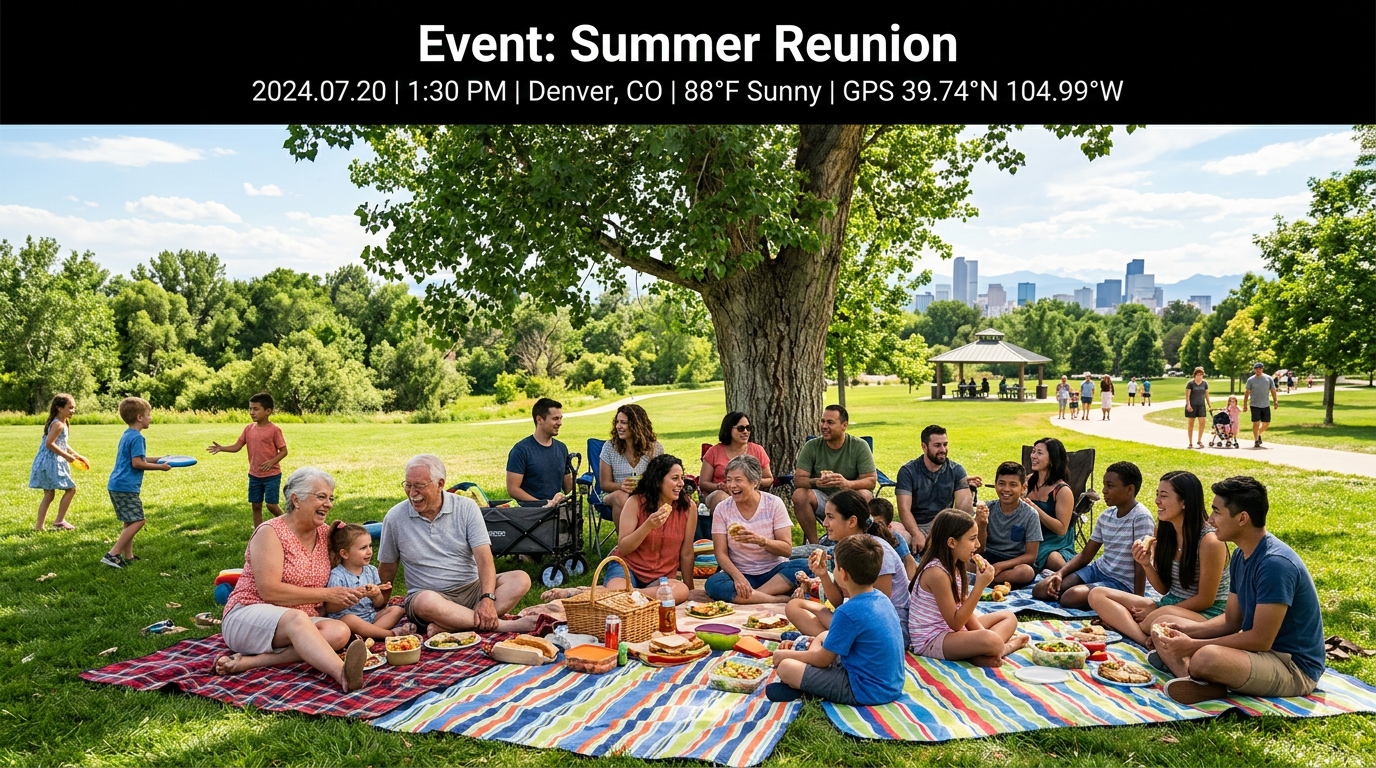
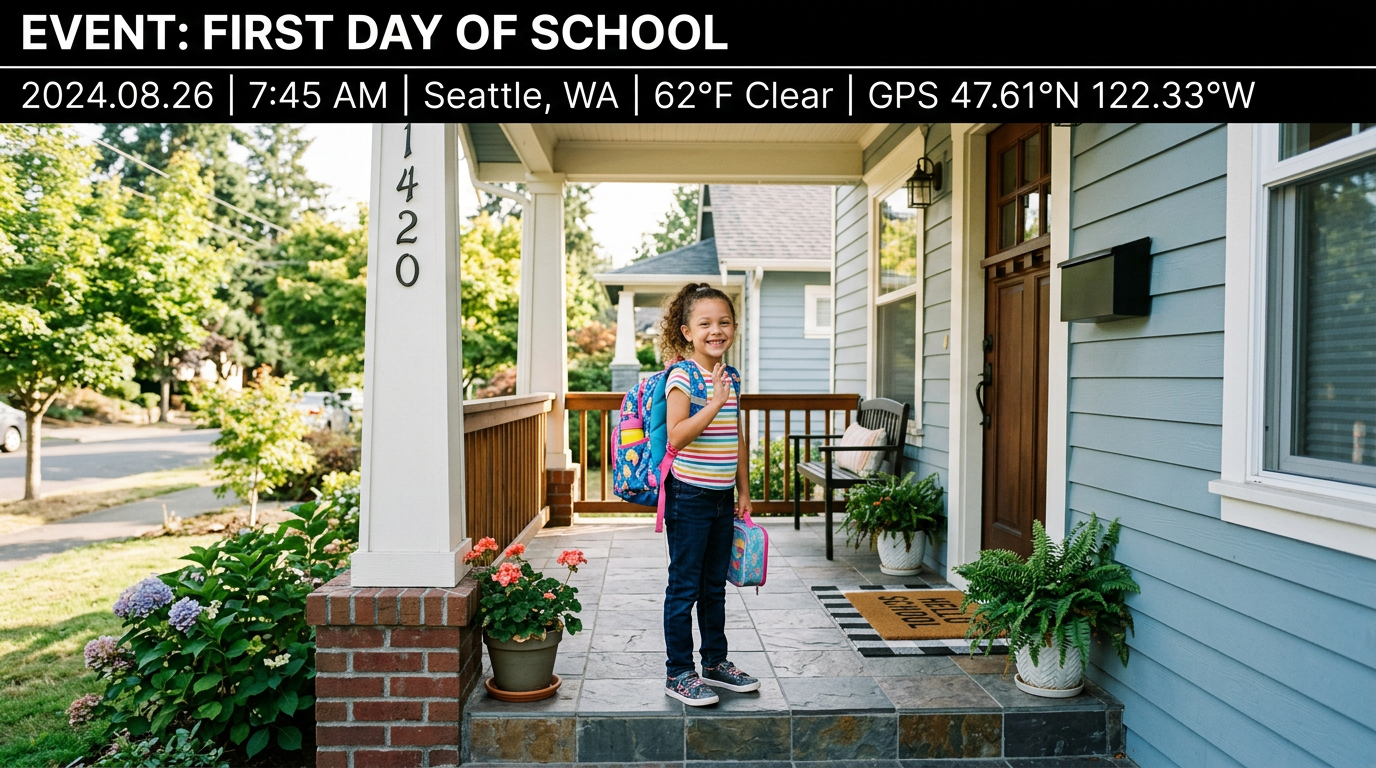
Birthdays, trips, games, and firsts become albums you name once — camera to cloud keeps date, place, weather, and GPS on the shots when the memory matters. When relatives ask for “those photos from that weekend,” you send the documentation link to the chapter you chose — not your unlocked phone, not your entire library.



Also for
Official documentation when the day is not glamorous — just important
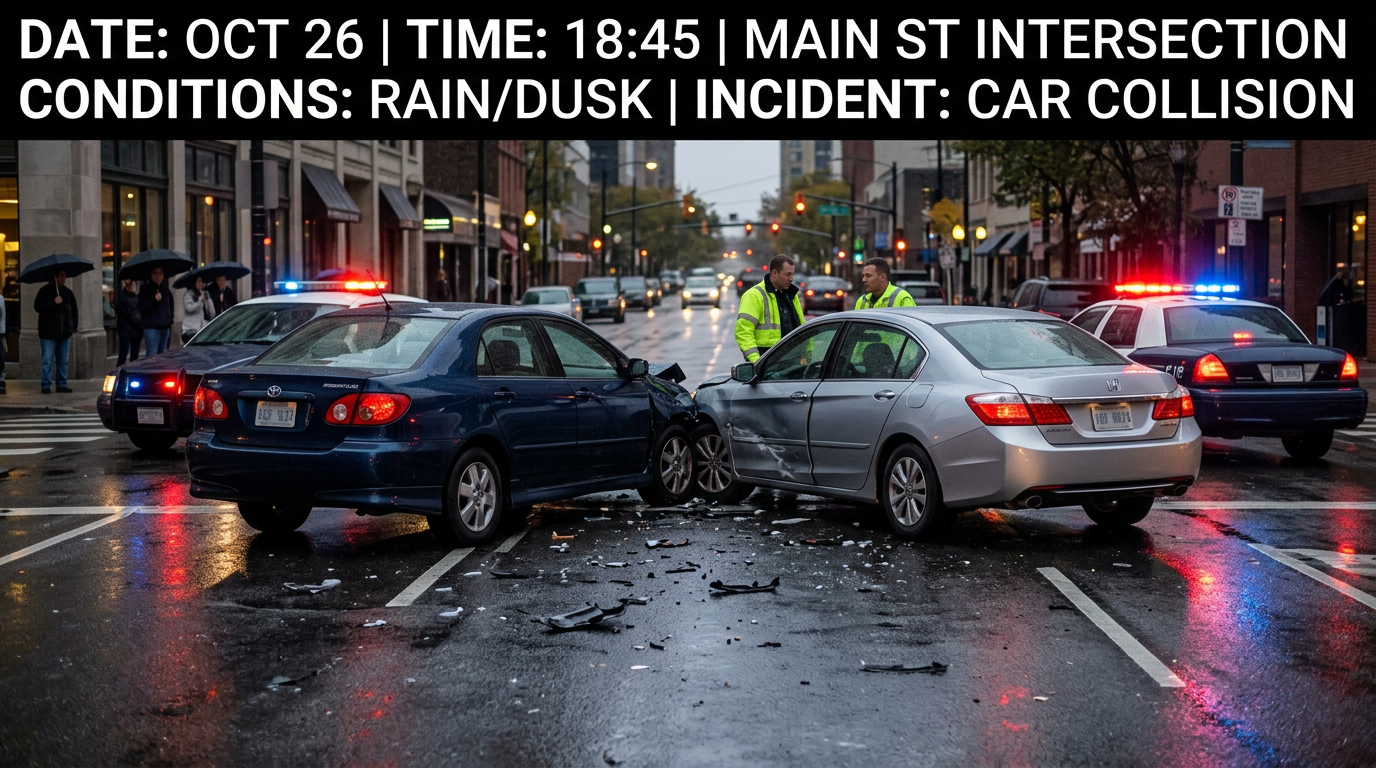
Same camera-to-cloud workspace when stakes are formal: incidents, inspections, deliveries, walk-throughs, meetings. PDFs beside photos, damage circled, rooms labeled — the file still matches what happened when someone asks hard questions weeks later.

How it works
Document the happening in the chaos. Trust the file in the quiet.
Mobile when you are in it — camera to cloud with time, place, GPS, and weather on the frame; markup when a photo has to speak for the record; PDFs and notes on the same album. It lands in TimeFotos Cloud. Someone needs the packet? One read-only link. They see what you certified; the rest stays private.
You open a file for the happening
Name the festival shift, inspection, school night, or block party — that album becomes the official place photos, scans, and uploads land. No more “which thread had the parking map?”
You document in real time; camera to cloud
Shoot from the line, the booth, or the jobsite — date, time, GPS, weather, and place ride into TimeFotos Cloud with the frame so your record of the event matches what actually occurred.
You file what belongs in the record
Highlight damage, circle a detail, add labels, and drop in PDFs — permits, run sheets, insurance forms, or programs sit beside the photos that prove the day.
You publish the documentation package
Send one read-only link — sponsors, adjusters, family, or staff open it in a browser with no install. They see the slice you certified; the rest of your workspace stays private.
What lands in every documentation album
Months later, the file still matches what happened
Camera to cloud means time, place, GPS, and weather ride with the capture — plus markup, tags, labels, PDFs, and conversation on the same album. When someone asks for a detail from last season’s event or job, you open one workspace — not three apps and a half-dead group chat.
A timestamped record of the happening
Date and time save at capture — when someone asks “what time did load-in start?” your documentation answers from the cloud, not from memory.
Location that matches the event file
GPS and place ride with the frame when the record needs it — venue addresses, route checks, inspections, or any day the map is part of the story.
Conditions documented automatically
Weather at the moment of the shot syncs with the image — useful when rain, heat, or visibility was part of what happened on site.
Markup that reads like official notes
Draw, highlight, circle, and label on the photo itself — so progress photos, incident markers, or “see here” callouts read clearly in the packet you share.
Paperwork beside the visuals
Programs, permits, waivers, and receipts attach next to the frames they support — one documentation set when auditors, insurers, or organizers ask.
Find the right event fast
Tags and labels turn a growing calendar of happenings into something you can filter — not twenty minutes of scrolling the night before go-live.
Thread tied to the documentation
Notes and decisions stay on the album — volunteers, crew, or family see the same context instead of a buried group chat.
On your phone — document as you go
Shoot in the mess.
The cloud keeps the official copy.
Rain, ladder, parking lot, festival gate — the TimeFotos app on iPhone or Android runs camera to cloud: timestamp, GPS, weather, and place ride into TimeFotos Cloud with the frame when the happening has to be documented. Mark up shots, attach PDFs, keep chat on the album — then finish the file at a desk in the browser. Someone needs the packet? Read-only link. Never your passcode.
- Every capture can carry when and where you stood — date, time, GPS, weather, and place or address for the record
- Markup on the glass — draw, highlight, and label right on the image for the documentation set
- PDFs and scans sit next to the photos they support; tags help you find the right event or job fast
- Crew, clients, or volunteers stay in the thread on the album — not buried in a group text
- Lose a phone, not the file — sync keeps the documentation workspace alive


76°F Sunny
4 mph NW · Gusts 6 mph
No rain
Example layout — fictional outing
Jun 8 · 2:47 PM
1842 Cascade Ridge Rd, Spokane, WA 99208, United States
47.6588°N, 117.4260°W
On the web — finish the documentation
Sit down. The file from the field is already here.
The browser is the other half of the same camera-to-cloud system — not a side project. Filter by tag or date, open PDFs beside frames, review markup, and send read-only documentation links to clients, crew, or family. Zero install for them. One dashboard for everything you captured at the event, on site, or on the couch.
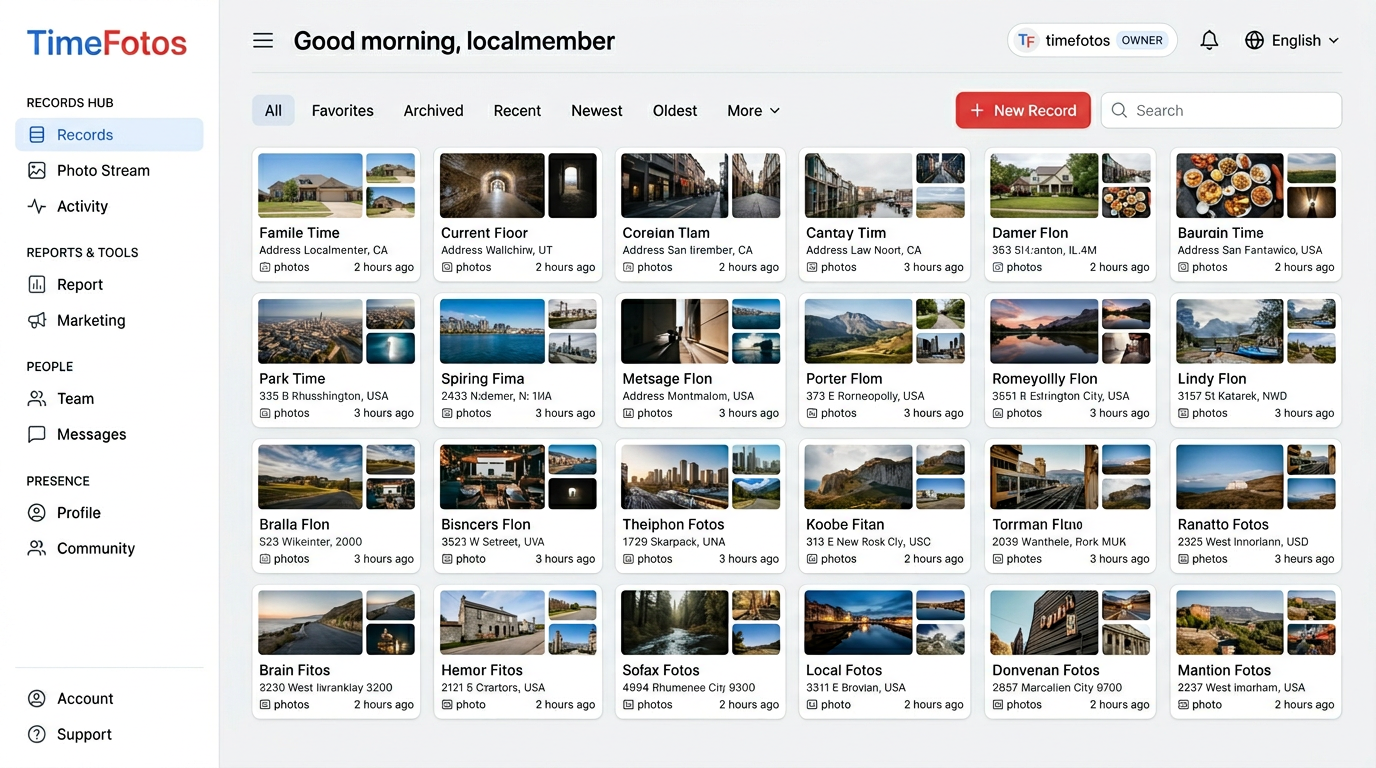
Camera to cloud keeps the file current
Photos, tags, and uploads sync into TimeFotos Cloud — if a phone walks away, the documentation set does not.
You find it the way you remember it
Labels and tags mean you search the way your brain works — not by scrolling until your thumb hurts.
You open the PDF next to the photo
Files sit beside the frames they support — you are not digging through another drive you forgot existed.
You send only the chapter they need
Read-only links: they see the gallery, PDFs, labels, and context you picked in the browser — no new app, no account. The rest of your library stays yours.
You stay in control
Private by default — you decide what leaves your workspace, with whom, and for how long.
Get TimeFotos Cloud
One login. Every surface. One documentation library.
Same Time Fotos identity on mobile for camera-to-cloud capture and in the browser for the full record. Upgrade on Plans — Cloud unlocks everywhere your account touches. Phone, tablet, and web stay in lockstep so happenings and jobs stay in a single file.
FAQ