If you have ever typed something like “where to save photos and documents” at midnight, you already know the feeling: the gallery is full, the “important PDF” is in an email thread, and the baby’s first steps are sitting next to last year’s tax draft in a folder named “stuff.”
You are not looking for a lecture about technology. You are looking for a place that still makes sense when you are tired, when you switch phones, or when someone asks for a copy tomorrow morning.
This guide stays grounded: what to do with the phone and the paper first, then how TimeFotos Cloud can sit on top when you want photos—and the story around them—in one workspace you actually open.
The honest part: one habit beats five “almost” backups
Most people do not lose photos because they never tried. They lose them because they had five half-finished habits—auto-upload turned on once, an old laptop, a thumb drive in a junk drawer, and a camera roll nobody trusts.
Pick one system you will keep for the next year, even if it is imperfect. You can always refine later. Consistency beats cleverness.
Where to save photos: start with “not only on the phone”
Your phone is great for capture and terrible as a single archive. It gets dropped, traded in, or handed to a kid with sticky fingers. Treat the phone like a waiting room, not a vault.
A simple three-layer idea (people describe it different ways, but the shape is always the same):
Layer 1 — something you control at home. A small external drive or a folder on a computer you back up is enough for many families. Once a month, or after big events, drag the month’s favorites out of the camera roll into a dated folder: 2026-04 inside Family photos. Boring names win.
Layer 2 — somewhere else if the house has a bad day. Fire, flood, theft—one copy that is not in the same building matters when it counts. That might be a relative’s drive you swap twice a year, a bank safe deposit USB you update at tax time, or a paid online vault you trust—whatever you will actually refresh.
Layer 3 — the “I need this on my phone again” lane. That is usually a smaller curated set for daily life—not every burst from the soccer tournament, but the twenty frames you would reprint.
You do not need enterprise jargon to get value from that shape. You need two real places plus the phone, and a calendar reminder so “someday” becomes Sunday after breakfast.
Where to save documents: same brain, different drawer
Documents punish chaos faster than photos do. Lease scans, medical letters, school forms, ID copies—if they only live in one inbox, you will search subject lines at the worst possible moment.
Make a boring top-level folder on the machine where you already file serious life stuff: Documents / Household / 2026 with subfolders you will not resent typing: Medical, School, Home, Taxes.
Name files for search, not for vibes: 2026-04-15-insurance-card-front.pdf beats scan123.pdf.
Keep one “originals” rule: if you also have a photo of the same page, decide which one is the official copy so you are not maintaining two truths.
Photos + documents together (without mixing everything into soup)
Some moments are both: a signed permission slip next to the first-day picture, or a receipt photo next to the warranty PDF. That is normal.
You do not have to merge every file type into one giant pile. You do need one map in your head: “Life admin lives here; memories live there; overlap gets a shortcut.” A single note in your notes app—literally five lines—can save you next April.
What usually fails (so you can skip it)
Saving only to social feeds you do not control. Pretty previews are not the same as an archive you can export.
Relying on chat threads as filing cabinets. Search breaks, accounts change, and attachments get buried.
Assuming “it backs up somewhere” without ever opening the restore path once. If you have never pulled one file back on purpose, you do not yet know if you have a backup.
Where TimeFotos Cloud fits (when you want photos and context in one workspace)
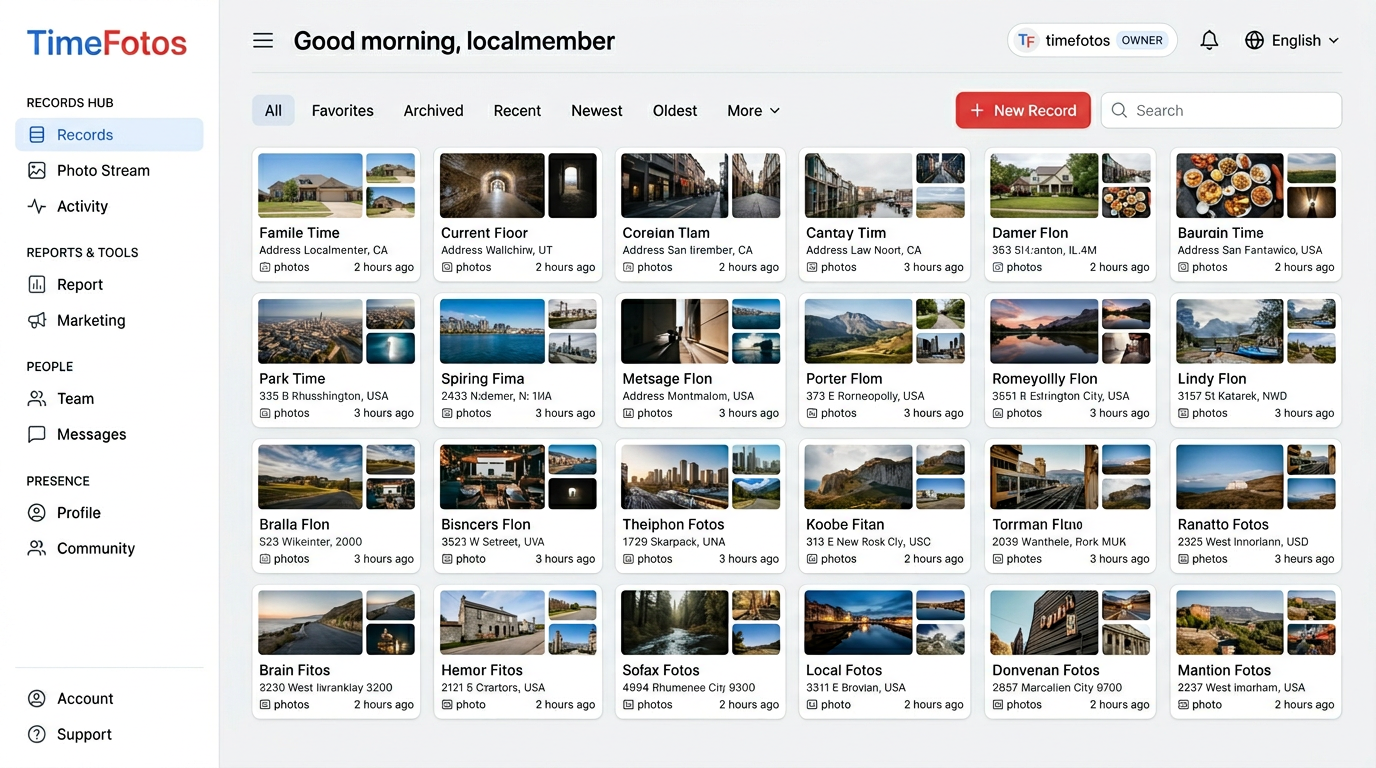
TimeFotos is built for real moments—neighborhood, family, work—and TimeFotos Cloud is the optional paid layer when you want more than “it is on my phone somewhere.”
With Cloud you can keep albums or records that match how you think (by kid, by project, by season), add labels so “May visit – Grandma” still makes sense years later, and lean on stamped captures when the when and where of a photo matters—not just the pretty frame.
It is useful when you want to send one link (“here are the move-in photos and the labeled shots of the lease pages”) without handing someone your whole library, or when your household shares a workspace and everyone needs the same thread of what happened.
Cloud does not replace a drive in a drawer if you love that drive. It pairs with boring folders: your computer stays the filing cabinet, TimeFotos Cloud can be the place you live in day to day for photos you care about and the story attached to them.
Peek at TimeFotos Cloud when you want the full picture.
A two-hour win that does not require a perfect Saturday
Hour one — photos: delete obvious duplicates, export one month into a dated folder on the computer or drive, delete the worst burst clutter from the phone if you are confident the copy landed.
Hour thirty — documents: create the Household / 2026 skeleton, move five PDFs you have opened twice in the last month into the right subfolder, rename them like a grumpy librarian.
Last thirty minutes — proof: pick one photo and one PDF and get them back on purpose from where you saved them. If that feels annoying, fix the path now while it is cheap.
You will not finish a lifetime archive in one afternoon. You will stop asking where to save photos and documents like it is a mystery genre—and that is the whole point.