
The jobsite photo appbuilt for field crews.
Capture progress photos on iPhone or Android, organize by job address, and keep timestamp, GPS, and weather on every shot. Mark up damage, attach PDFs, and send read-only links to clients — all in one workspace on site and in the browser.


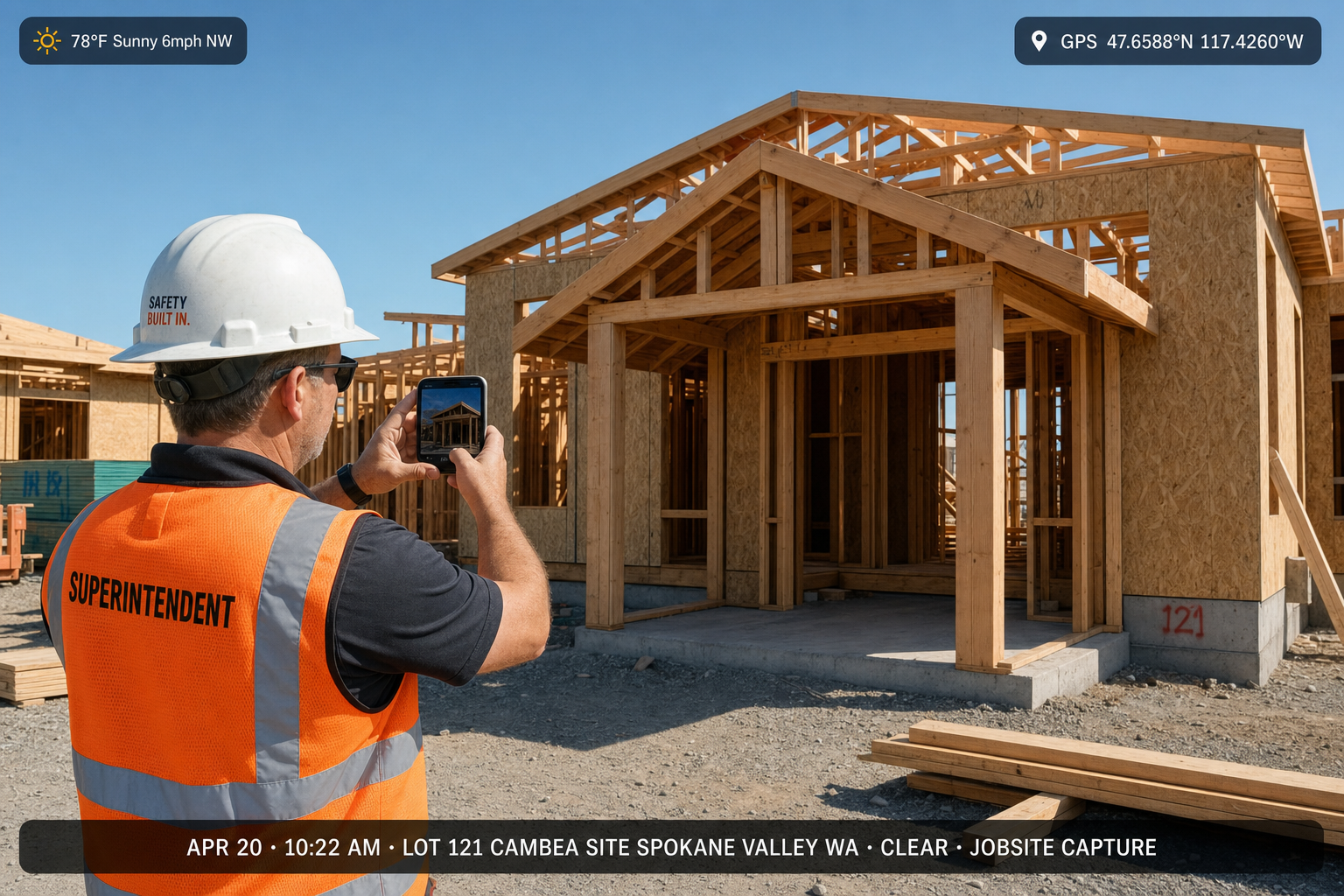
iPhone & Android
mobile apps
Web dashboard
for office & PM
Camera to cloud
real-time sync
Read-only links
no client install
Why contractors switch
The jobsite photo app that keeps up with your crew
One album per job address
Every crew upload lands in the correct job automatically — no more hunting through a mixed camera roll or asking subs to "send me those photos."
Timestamp + GPS on every shot
Date, time, coordinates, and weather embedded at capture — proof that holds up in disputes, insurance claims, and warranty callbacks.
Client-ready share links
Skip email blasts of oversized files. Send one link — owners, GCs, and adjusters open it in a browser without downloading anything.
See it in action
Every jobsite photo, documented and timestamped
Illustrative demos — your jobs use your real addresses, crew names, and job phases. Each capture carries timestamp, GPS, and weather automatically.
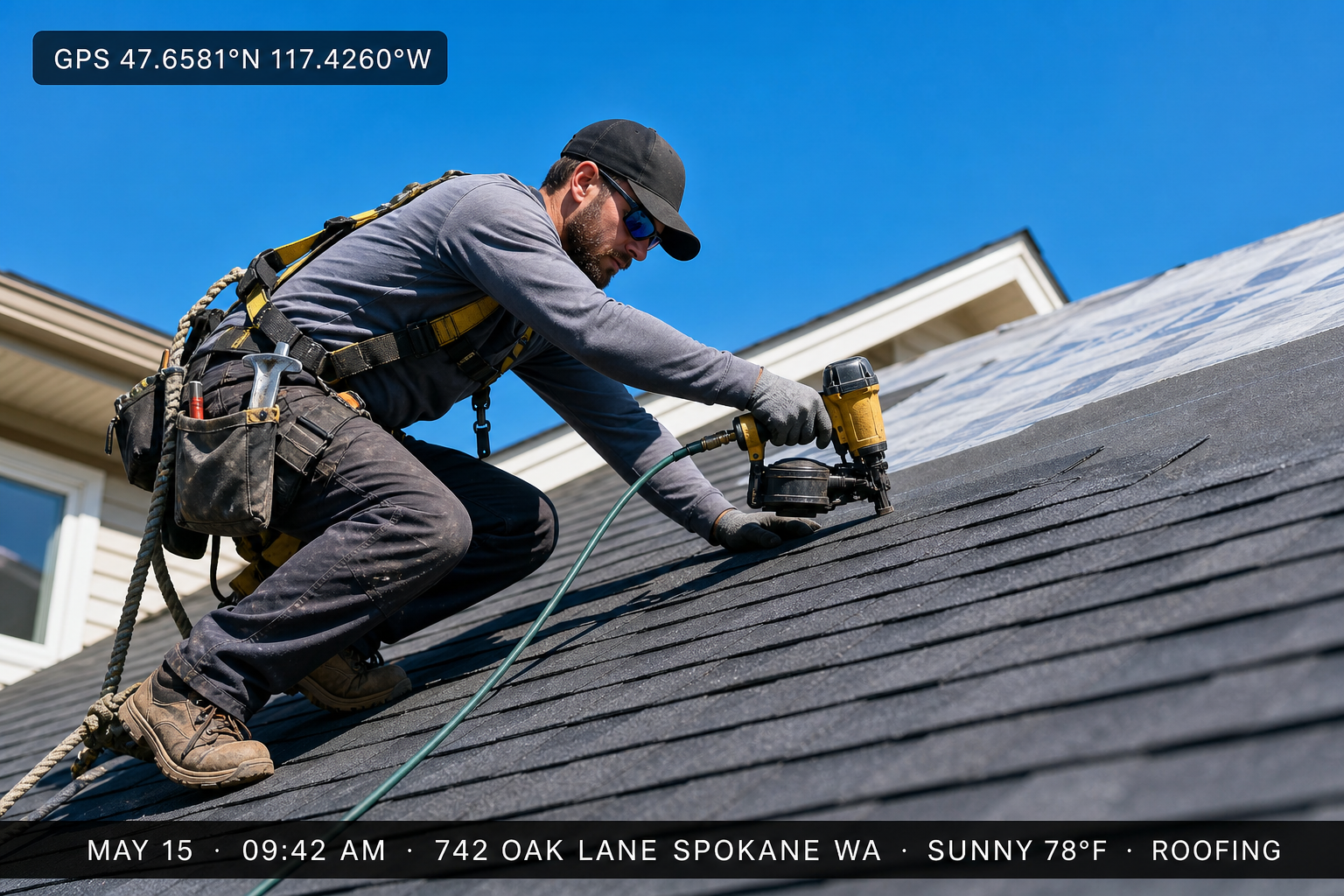
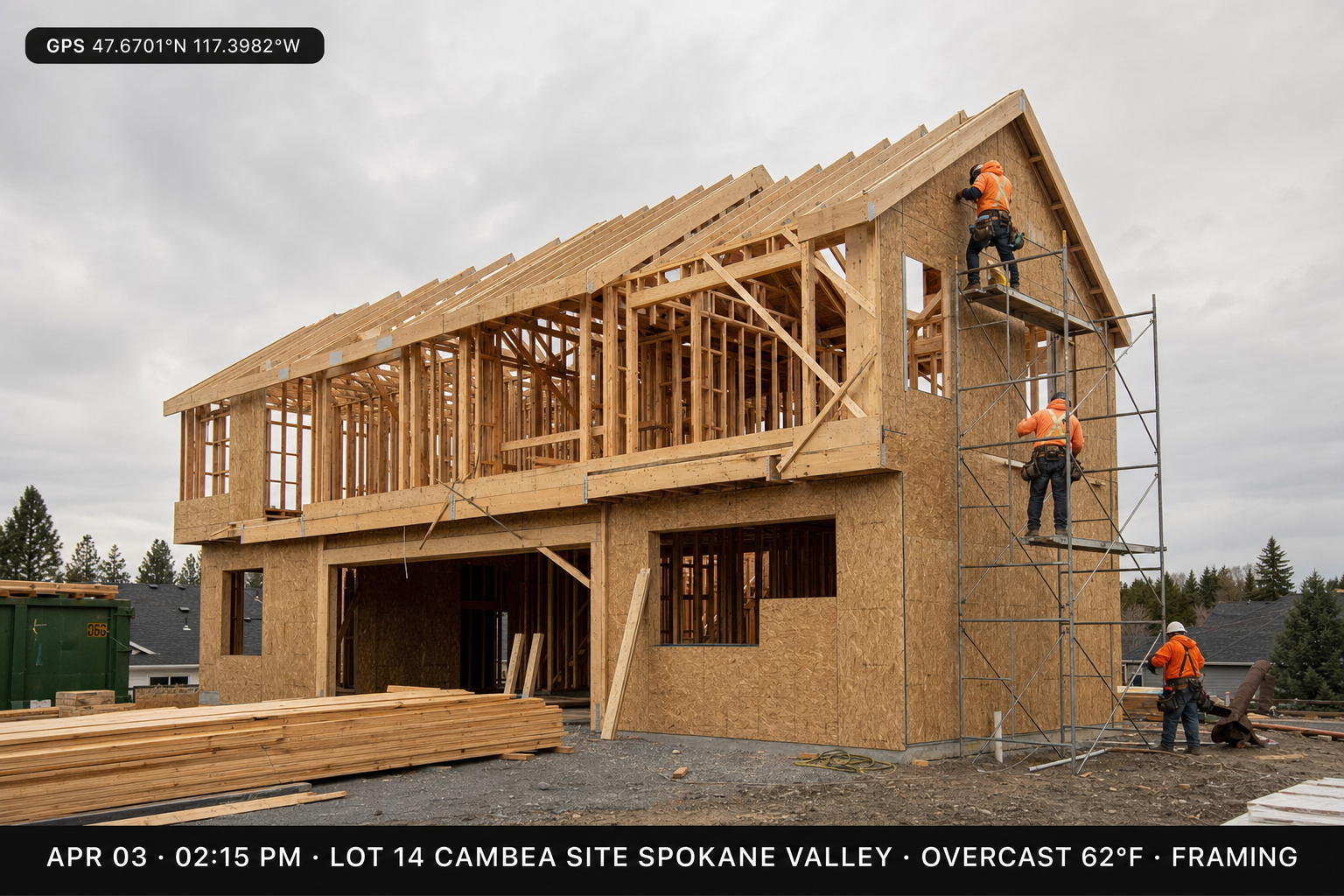
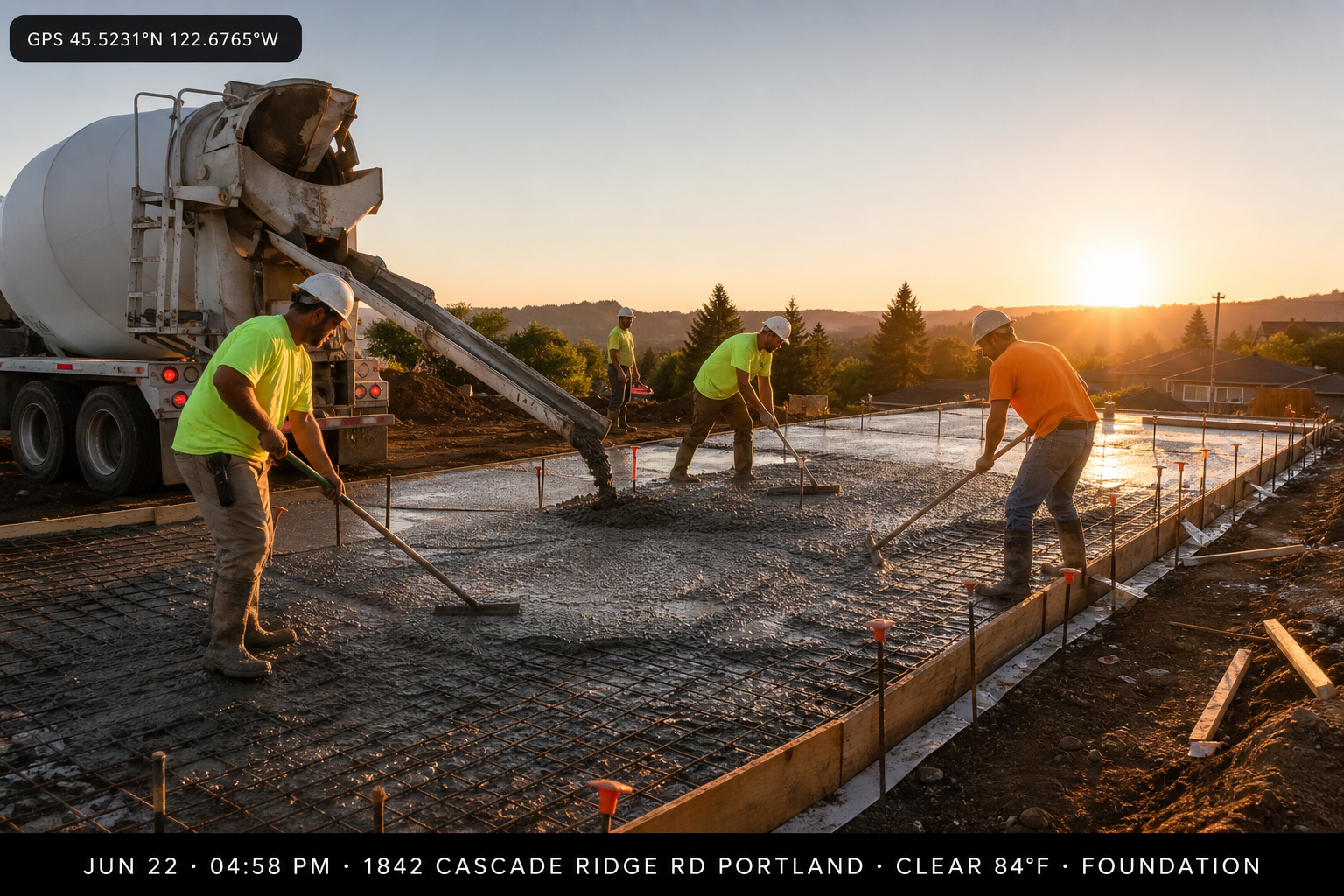
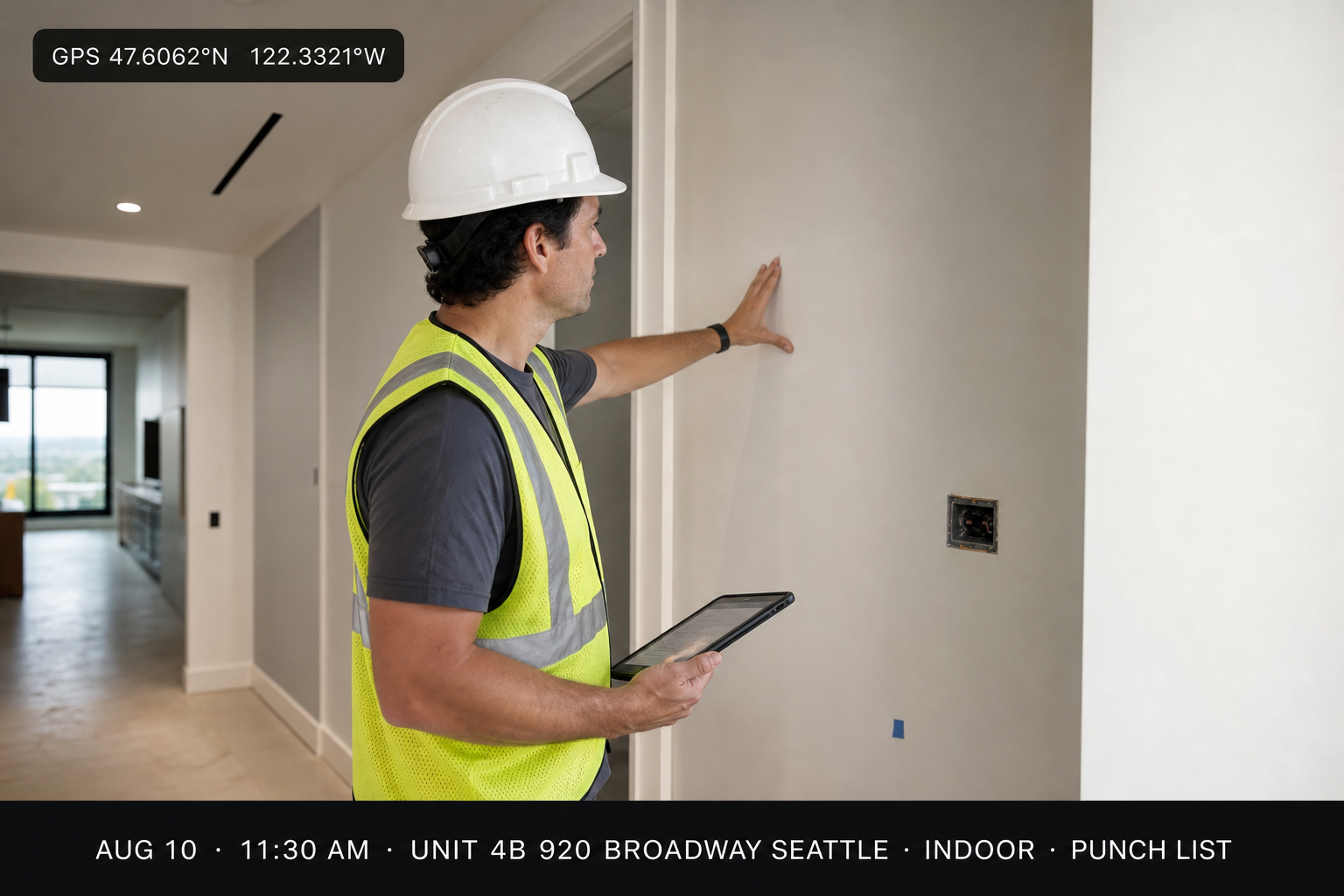
Fictional demo addresses for illustration only
Jobsite photo app features
Everything you need to document a job — nothing you don't
Automatic timestamps
Date and time embedded at capture — critical for progress billing, inspections, and insurance timelines.
GPS + job address
Prove which property the photo belongs to — essential for multi-lot builders and service routes.
Weather on the frame
Rain, heat, and visibility logged with the photo — useful when site conditions matter to a claim.
Markup on the photo
Draw, circle, and label on the image — punch items and damage callouts clients understand instantly.
PDFs + permits in the job file
Change orders, COIs, and specs sit beside progress photos — one packet when the GC or insurer asks. No more "which email had the permit?"
Labels & search
Filter by phase, trade, or custom tag in seconds.
Crew thread on the album
Subs and PMs share context on the job — not a lost group chat.
Read-only client links
Send a browser link — clients, GCs, and adjusters open it without installing anything.
How it works
From first progress photo to client packet — four steps
Create a job record
Name the job by address — that album is the only place photos, scans, and notes for this site should land.
Shoot with the app
Capture from the field — timestamp, GPS, weather, and address sync with every jobsite photo automatically.
Mark up & attach paperwork
Circle damage, label rooms, tag phases, and attach permits or change orders beside the shots they support.
Send the proof packet
Share one read-only link — owners, GCs, and insurers view the certified set in a browser; the rest stays private.
Mobile jobsite photo app
The crew already has their phone.Now the photos go to the right place.
TimeFotos runs on iPhone and Android — crews shoot progress, punch items, and deliveries from the field and the jobsite photo app stamps time, GPS, weather, and job address on every frame. The office sees new shots in the browser the moment they upload. No re-sending, no re-uploading.
- Date, time, GPS, and weather embedded at capture — dispute-ready proof without extra steps
- Markup tools for damage, punch items, and scope callouts — on the photo, not in email
- Permits, COs, and delivery receipts filed beside progress photos in the same album
- Crew uploads appear on the job timeline — subs and PMs stay aligned without chasing texts
- Sign in on a replacement phone; the job file stays in the cloud

Roof damage — change order evidence
Aug 3 · 8:02 AM
1842 Cascade Ridge Rd, Spokane, WA
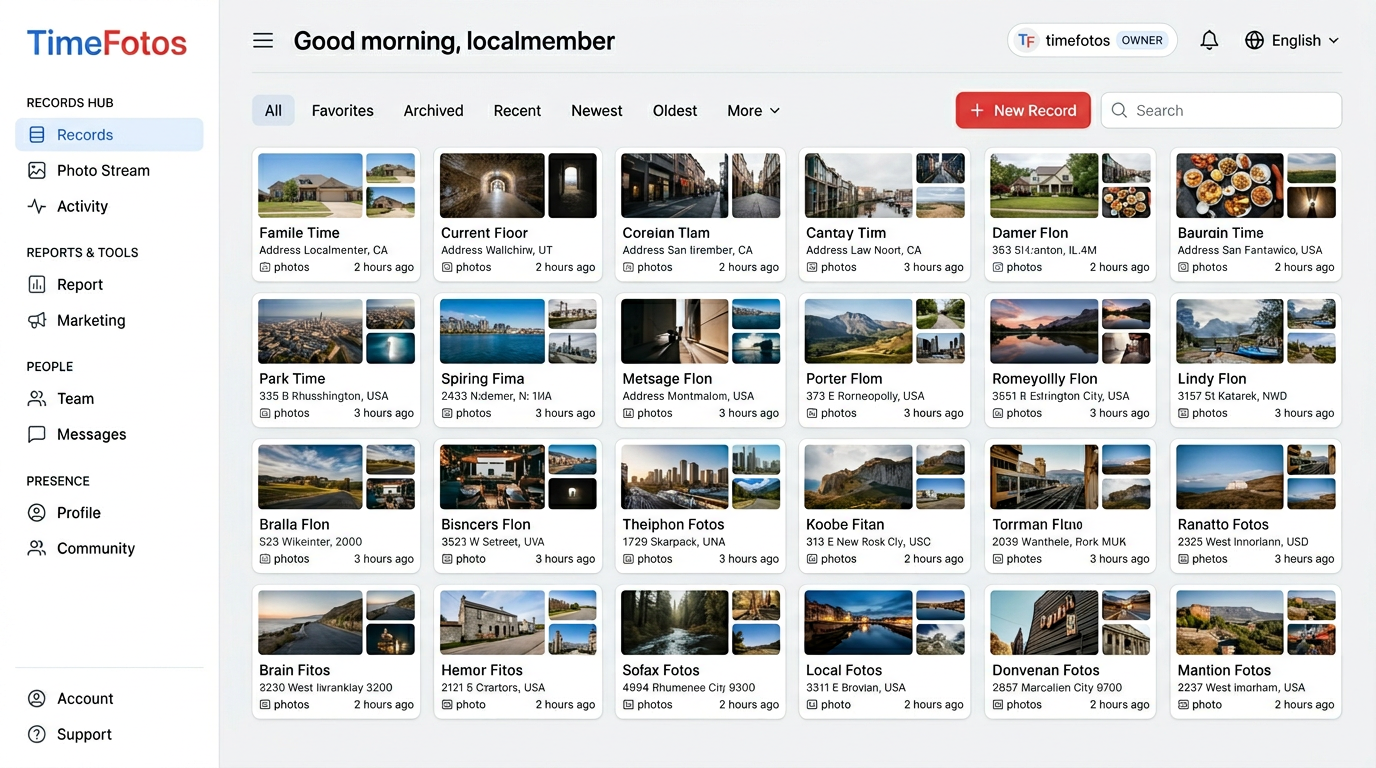
Web dashboard
Review every jobsite photo from the office in one dashboard.
Filter by job, tag, or date; open PDFs beside frames; QA markup before you send; publish read-only links for owners and adjusters — the browser side of the jobsite photo app.
Live job timelines
New field uploads appear instantly — PMs spot delays without a site visit.
Search like you think
Address, tag, or date range — the right elevation photo in seconds.
Documents + photos together
Permit beside the pour photo — no switching between Drive, email, and camera roll.
Client & insurer links
Send only the phase they need — daily log, inspection set, or close-out gallery.
Private by default
You control what leaves the workspace — other jobs stay hidden.
Who uses this
Built for trades that live on proof photos
General Contractors
Multi-phase progress & owner updates
Roofers & Restoration
Storm damage, insurance evidence
HVAC & Plumbing
Rough-in, trim, and callback proof
Commercial & TI
Inspection and punch-list photos
Field Service
Arrival, work, and sign-off shots
Property Managers
Move-in, move-out, unit condition
Jobsite photo app vs. the camera roll
What group texts and folders can't do
| Capability | TimeFotos Cloud | Typical workaround |
|---|---|---|
| Organized by job address | Camera roll scroll | |
| Timestamp & GPS on the image | Sometimes lost in MMS | |
| Markup on the photo | Screenshot edits | |
| PDFs beside progress photos | Separate email thread | |
| Read-only client link (no install) | Zip files & Drive links | |
| Crew on one job timeline | Fragmented texts |
Organize job site photos the way top contractors do.
Upgrade to TimeFotos Cloud on Plans. Jobsite photo documentation on iPhone, Android, and web — one login, one job file per address.
FAQ